
See your workspace’s usage
Admins see minutes, spend and activity for the month, per day and per person, and can export it.
Pictures come from the sample workspace; the orange frame shows where to look or press.
Step 1. Open Usage
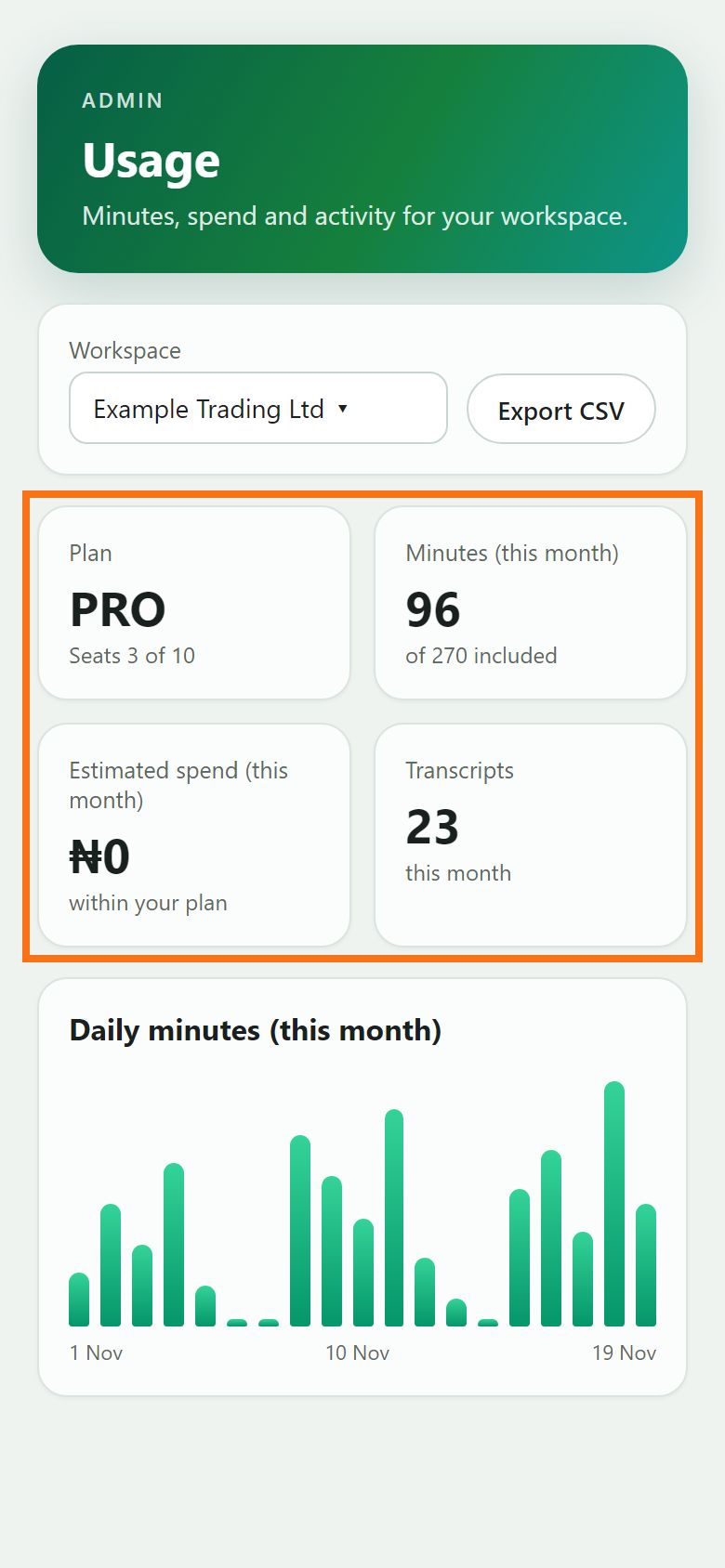
The top shows your plan, seats, the minutes used this month against what is included, and the estimated spend.
Illustration
Step 2. Minutes per day
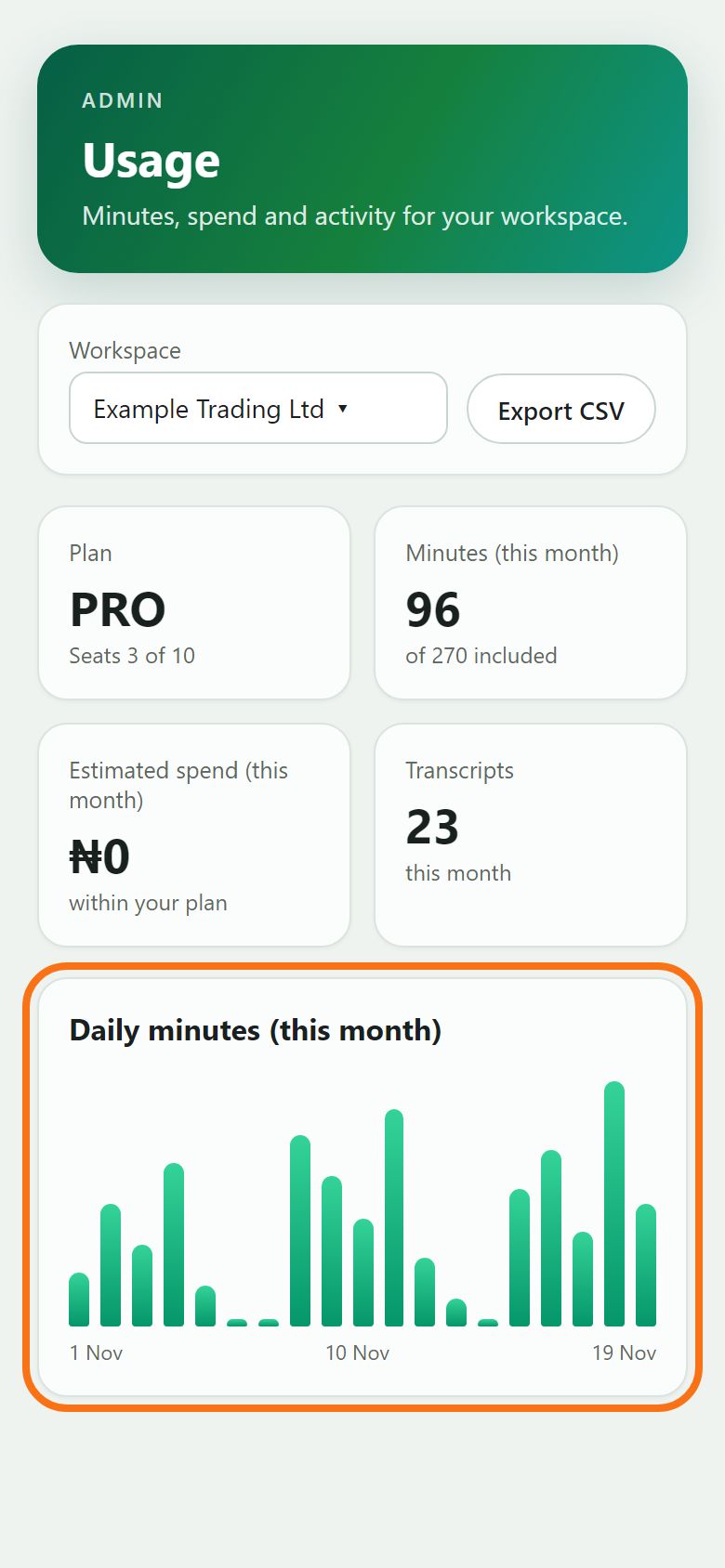
The daily chart shows when your team transcribes. To keep a copy, choose dates under From and To and press Export CSV.
Illustration
Step 3. Usage by person
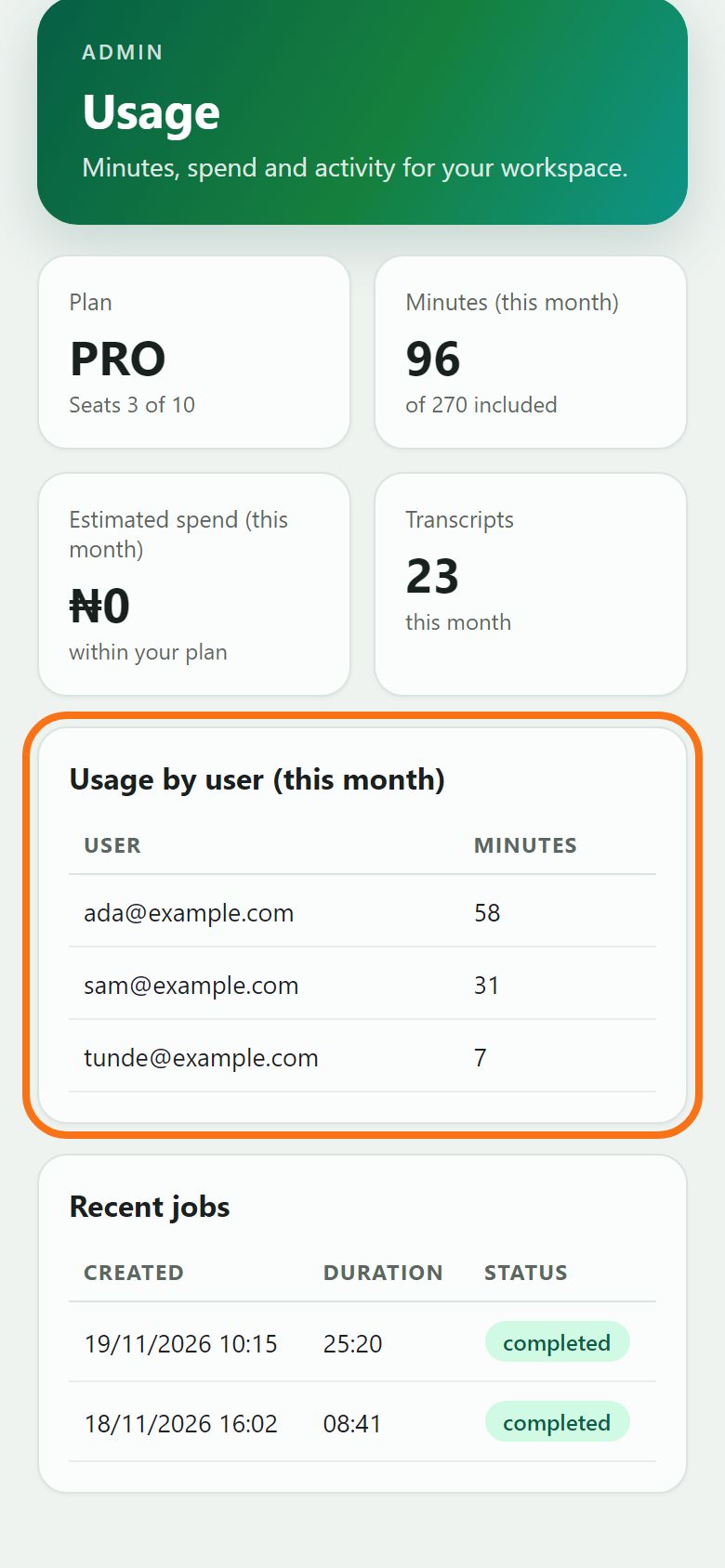
Usage by user shows who used how many minutes this month, and Recent jobs lists the latest transcriptions with their length and status.
Illustration


Still stuck? Ask the chat at the bottom of the page, or email support@quantum-notemaster.com.
Next guide: Your plan, account details and data