
Learn the app with tours and the demo
Watch short clips, then try guided tours on a sample workspace where nothing is saved.
Pictures come from the sample workspace; the orange frame shows where to look or press.
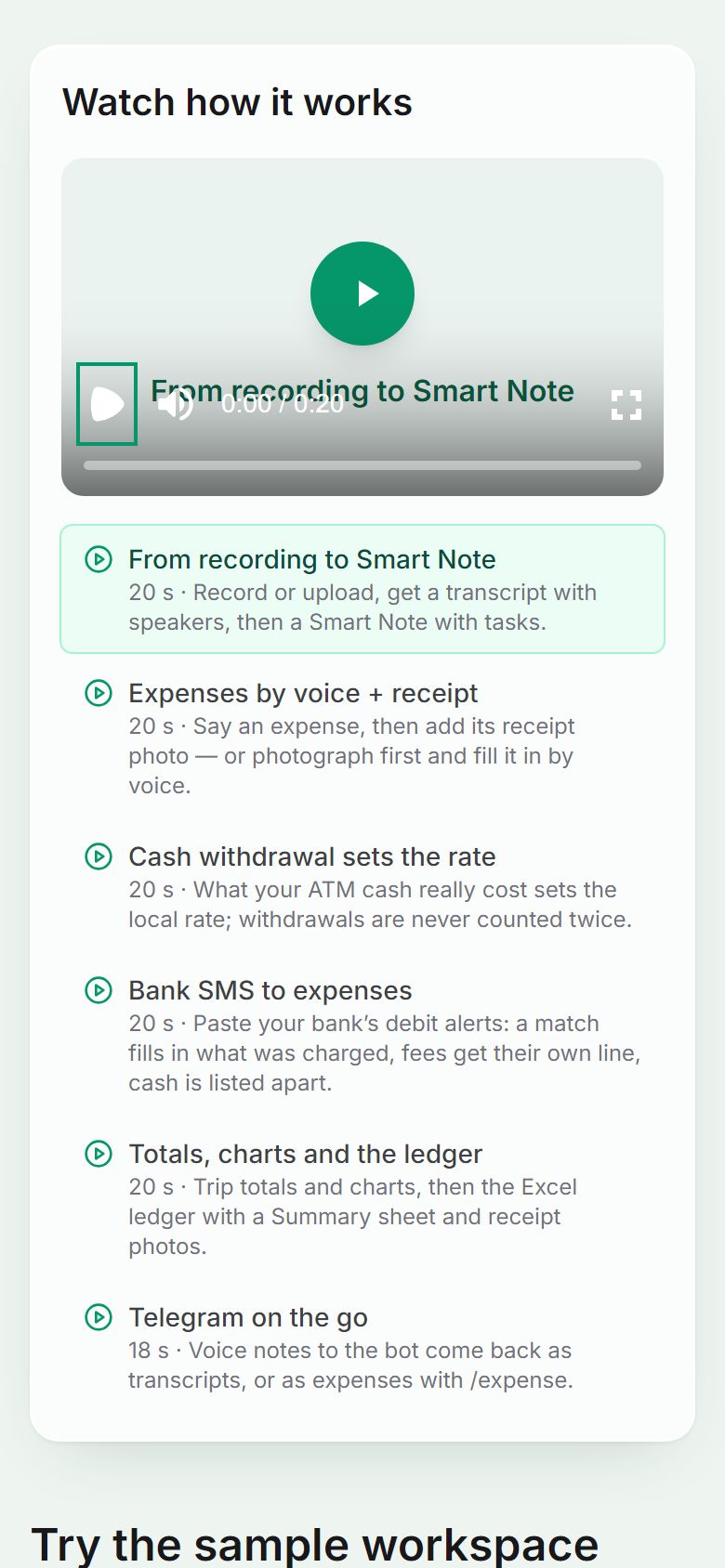
Step 1. Watch how it works
Open the demo page (no account needed) for short clips: a recording becoming a Smart Note, expenses by voice and receipt, the withdrawal rate, and more.
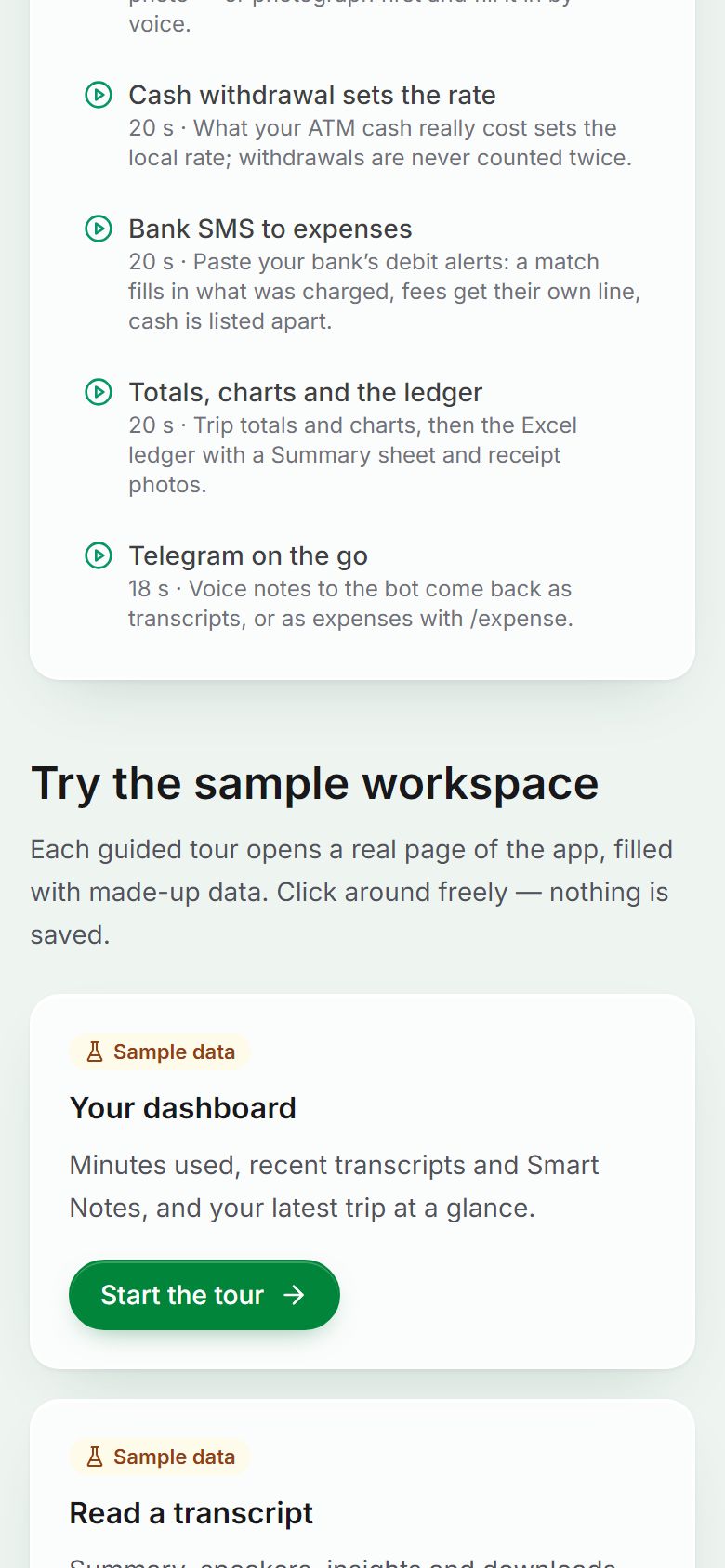
Step 2. Try a guided tour
Each tour opens a page of the sample workspace and points at its buttons one by one. Nothing you do there is saved.
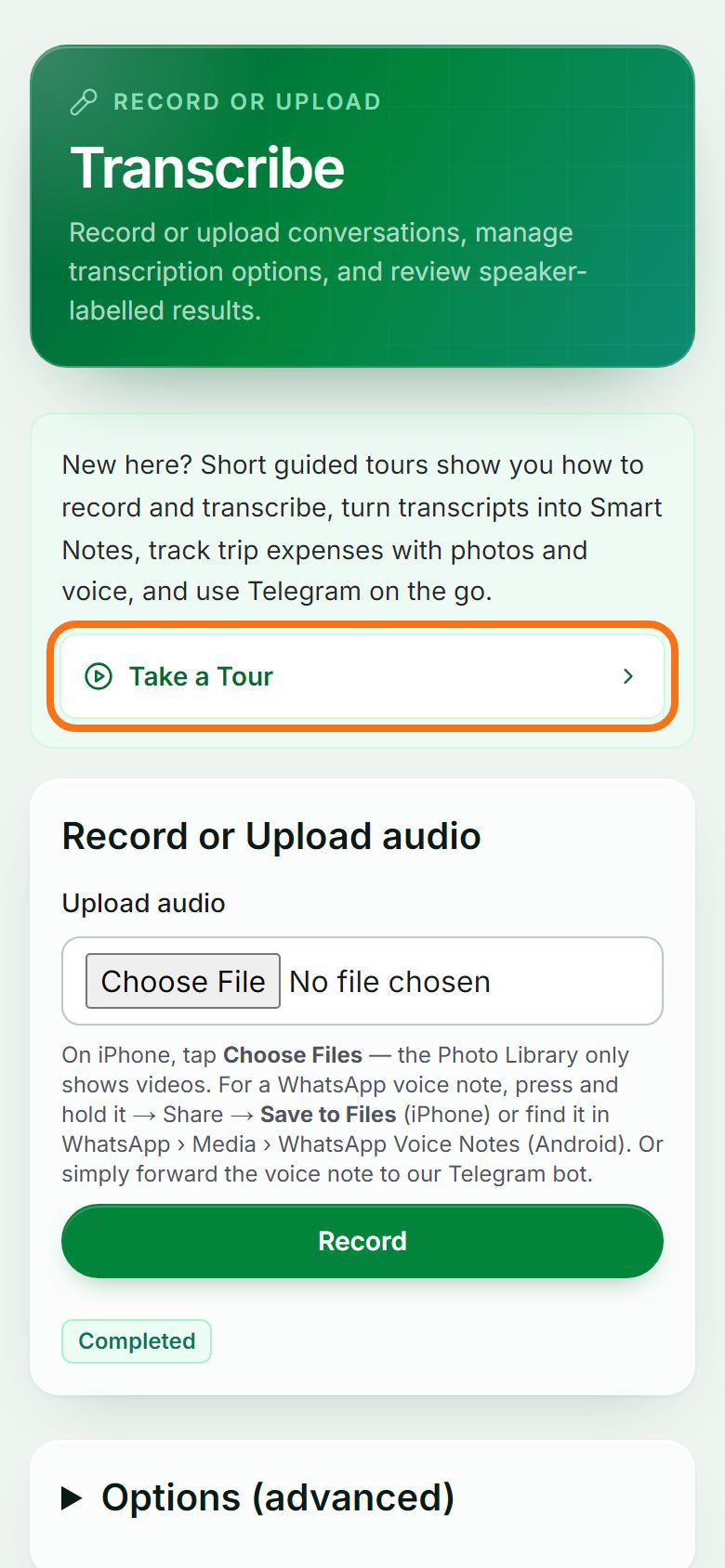
Step 3. Take a tour from any page
Signed in, press Take a Tour on the Transcribe page, or open Tour in the menu to pick one. A tour can run on your own workspace or on the sample.


Still stuck? Ask the chat at the bottom of the page, or email support@quantum-notemaster.com.
Next guide: Install the app on your phone or computer