
Share a transcript or Smart Note on WhatsApp
Send a read-only link that opens on any phone, or download Word or PDF to attach.
Pictures come from the sample workspace; the orange frame shows where to look or press.
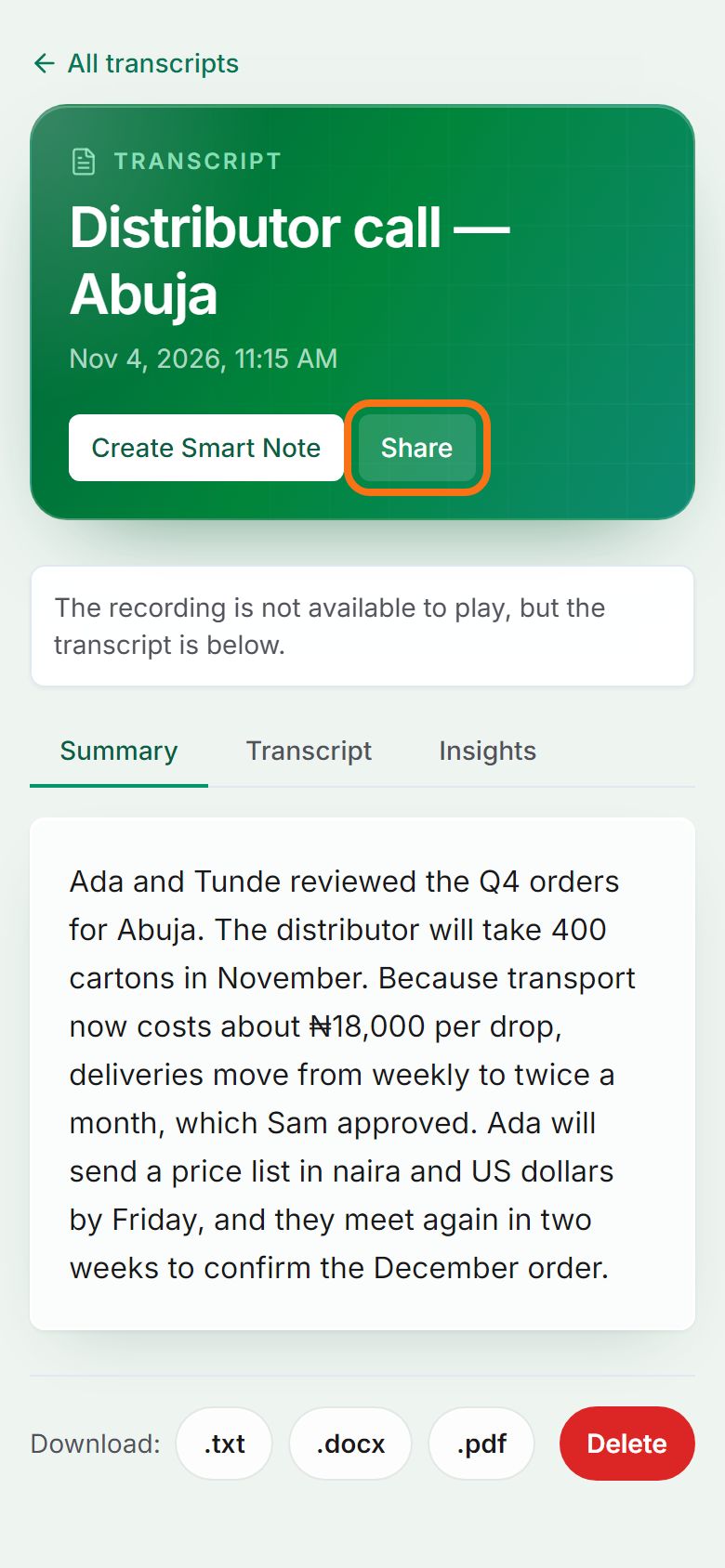
Step 1. Share a transcript
On the transcript’s page, press Share, then Copy link or Send on WhatsApp. Anyone with the link can read it without an account; it is text only (no audio).
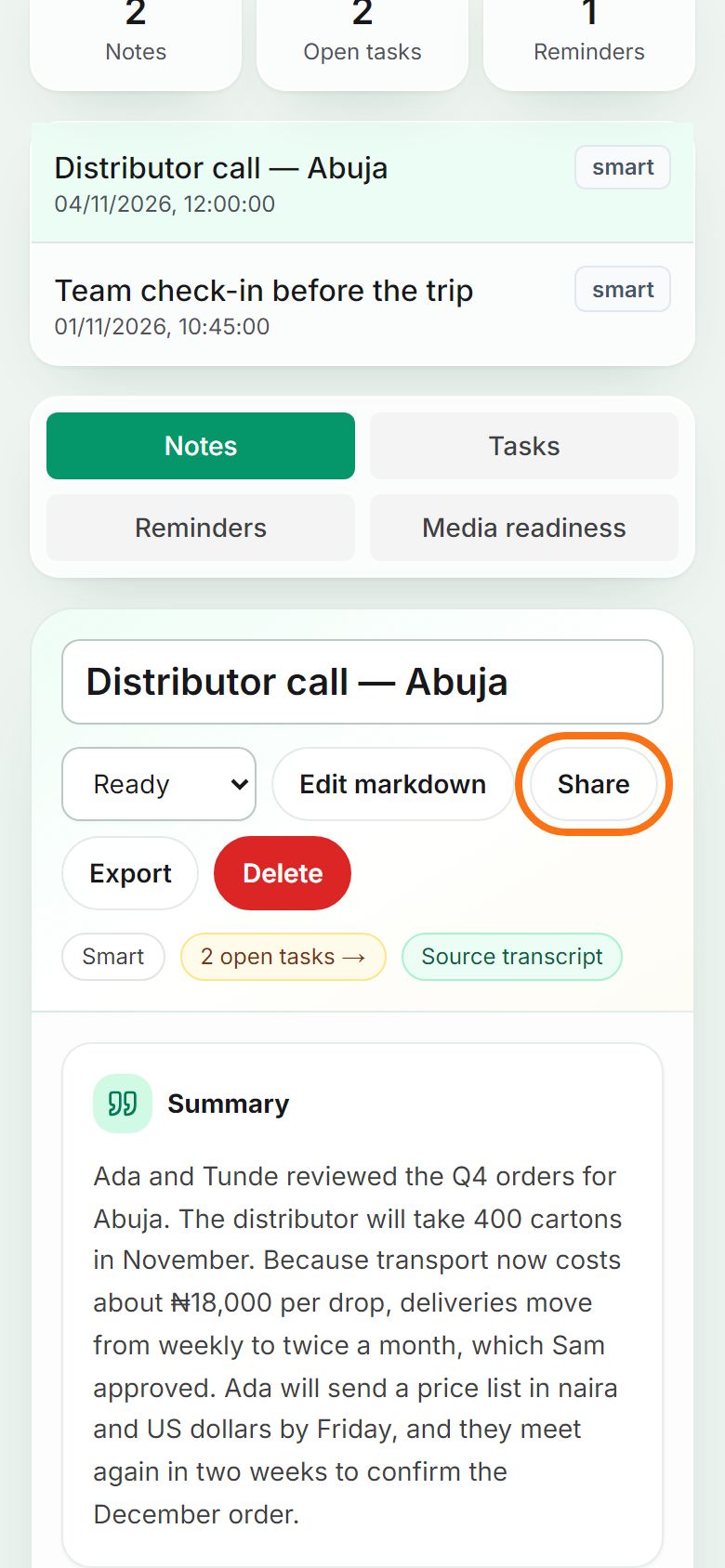
Step 2. Share a Smart Note
On Smart Notes, open the note and press Share. The link shows the summary, decisions and action items. You can stop sharing at any time from the same place.
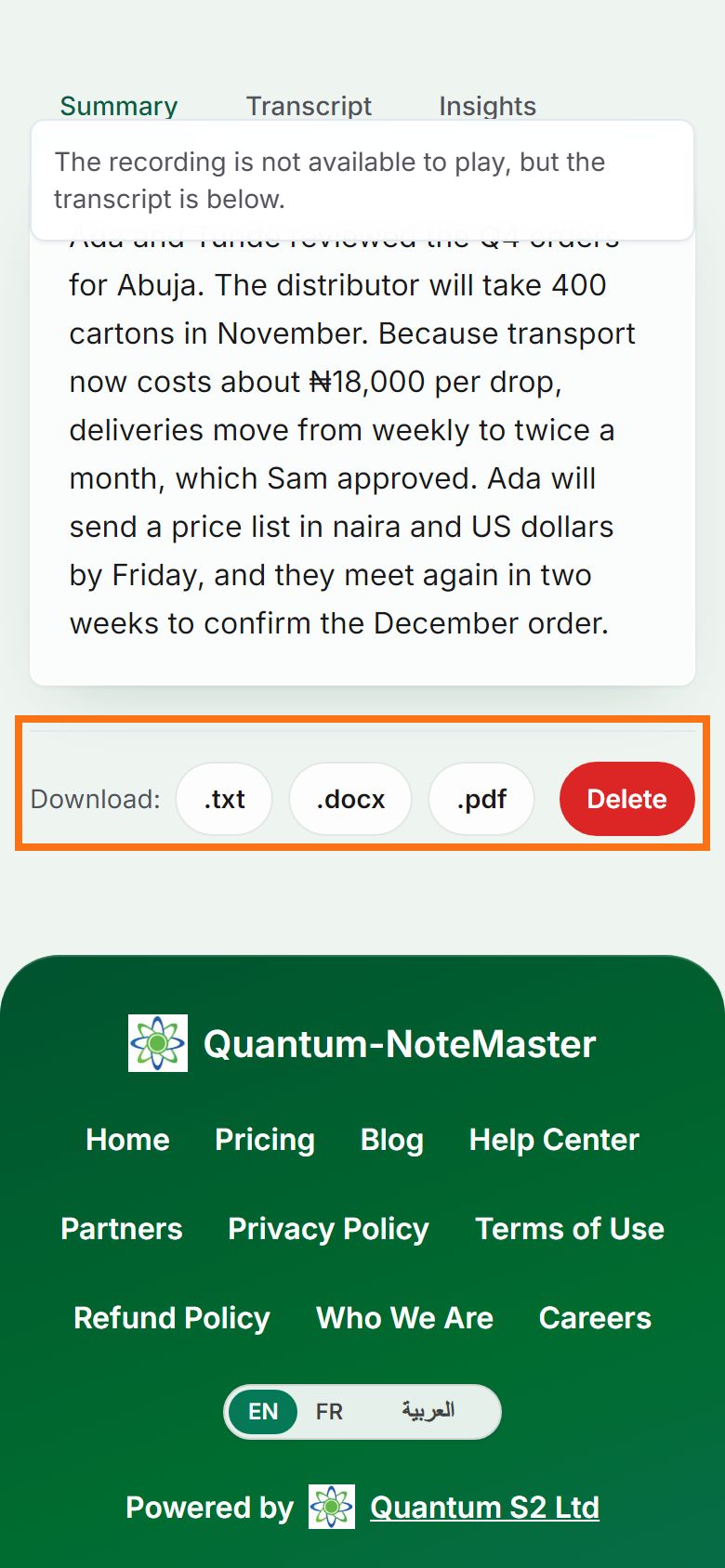
Step 3. Or attach a file
Prefer a file? On the transcript’s page, download .docx (Word) or .pdf and attach it to your WhatsApp message or email.


Still stuck? Ask the chat at the bottom of the page, or email support@quantum-notemaster.com.
Next guide: Find your way around the Dashboard