
Read, download and share a transcript
Listen while you read, switch between Summary, Transcript and Insights, download Word or PDF, and share a read-only link.
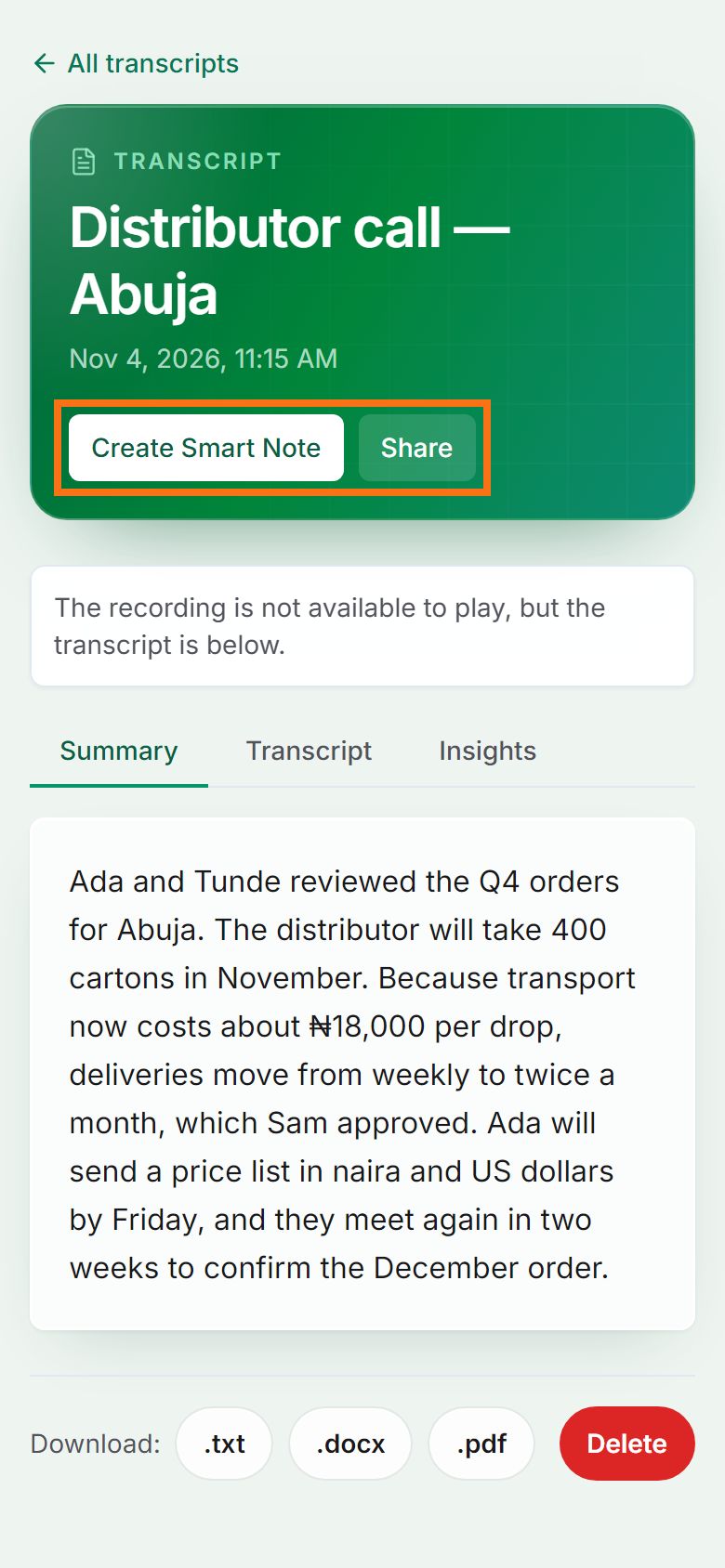
Pictures come from the sample workspace; the orange frame shows where to look or press.
Step 1. Listen while you read
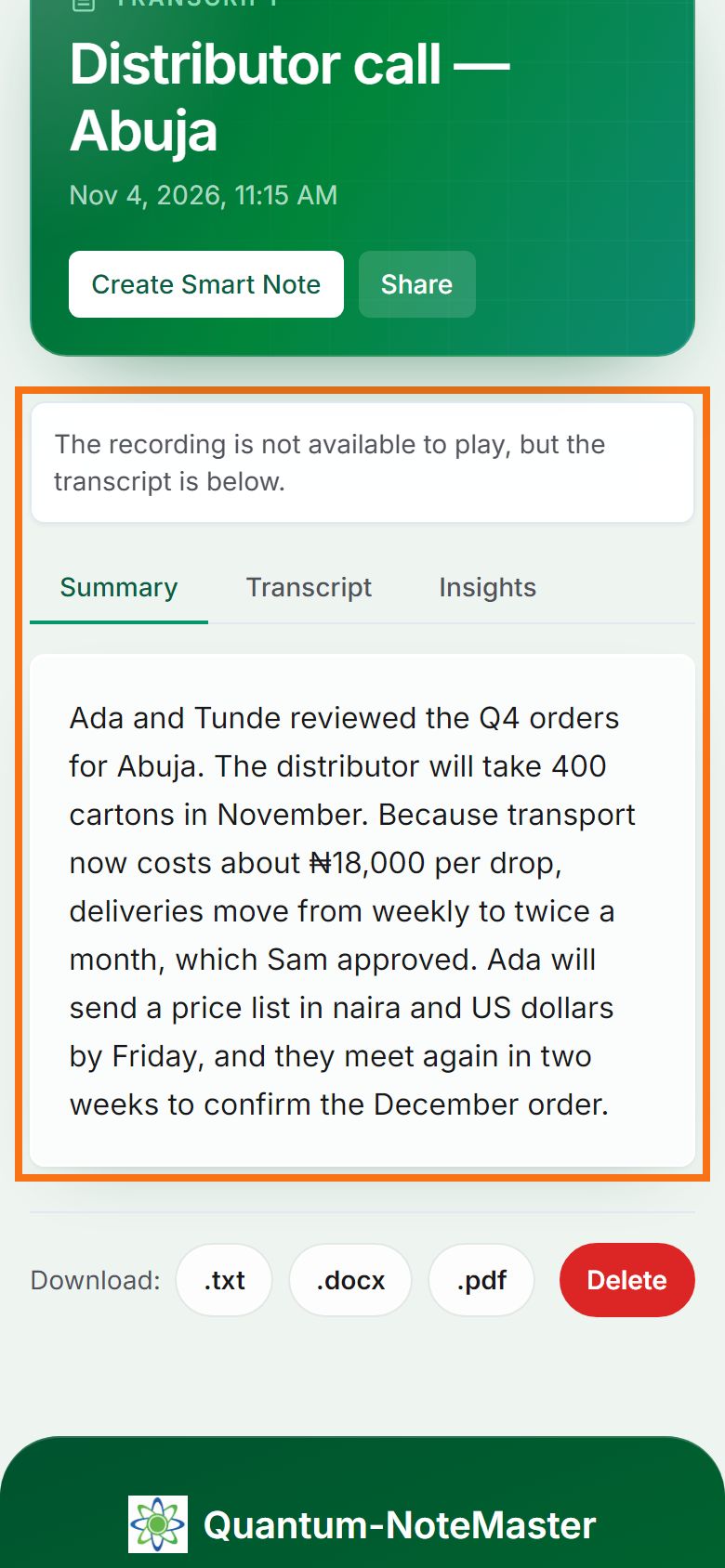
Open the transcript from Transcripts (or Open transcript on the Transcribe page). The player sits above the tabs while the recording is kept (the sample has none, so it says so); the Summary tab shows the main points.
Step 2. Read who said what
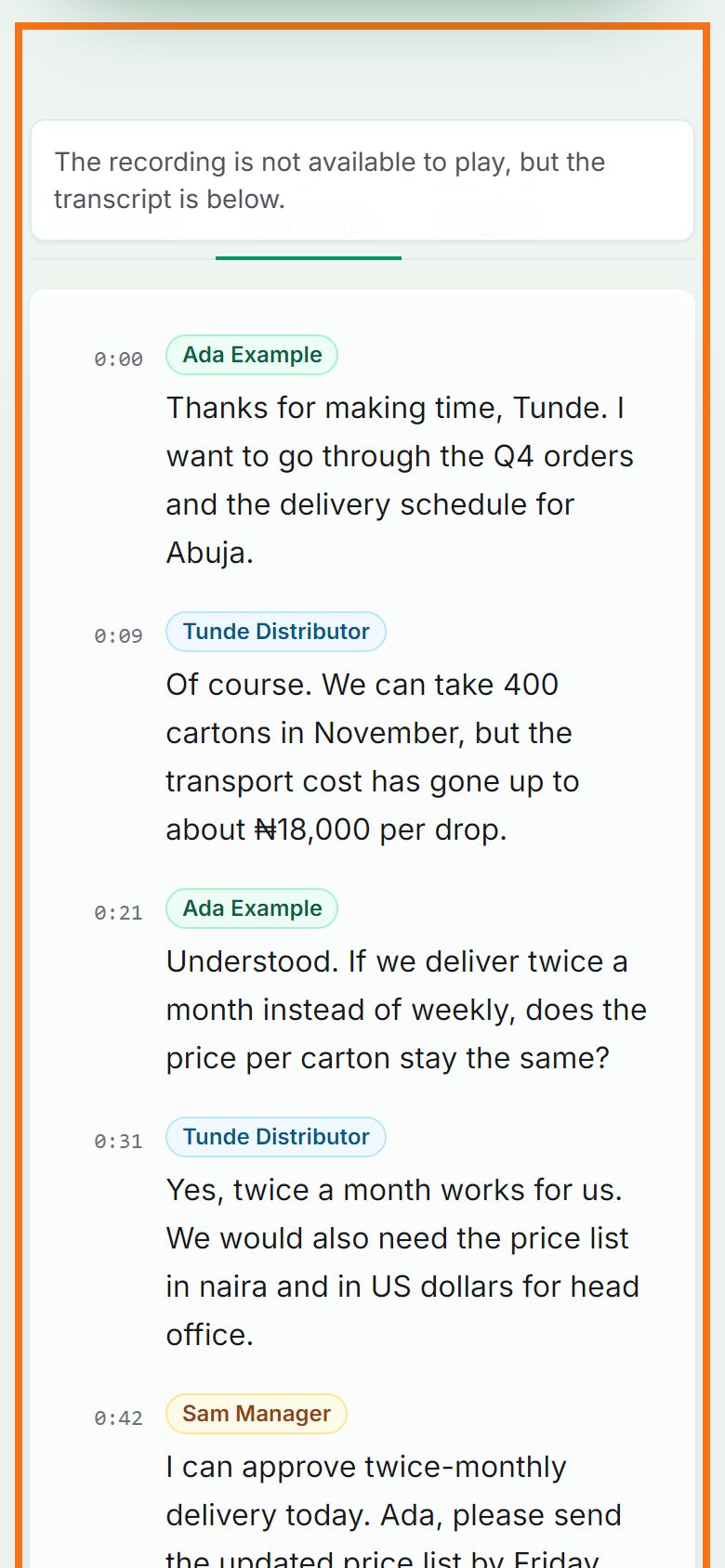
Press the Transcript tab for the full text, split by speaker. Click any line to jump to that moment in the recording.
Step 3. See the insights
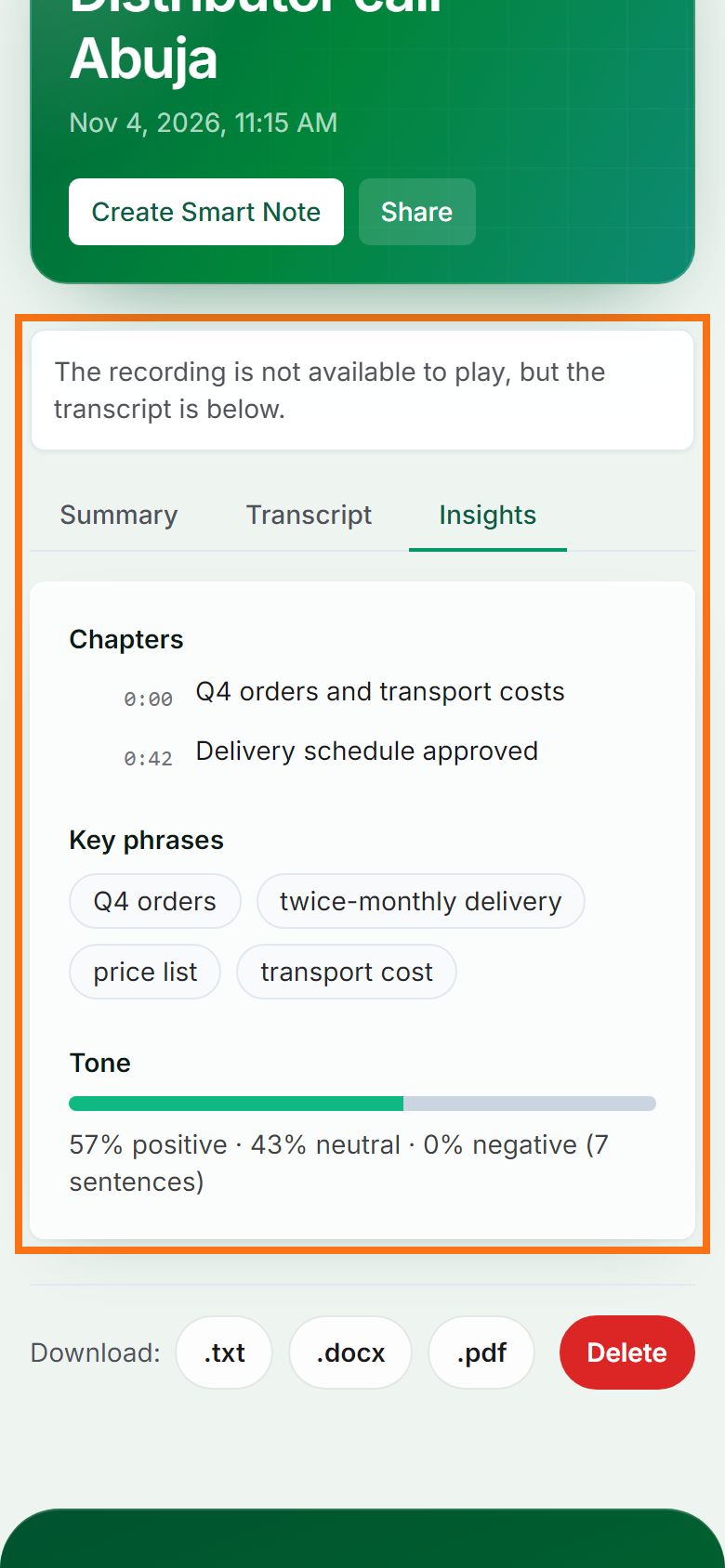
The Insights tab shows chapters, key phrases and the tone of the conversation.
Step 4. Download it
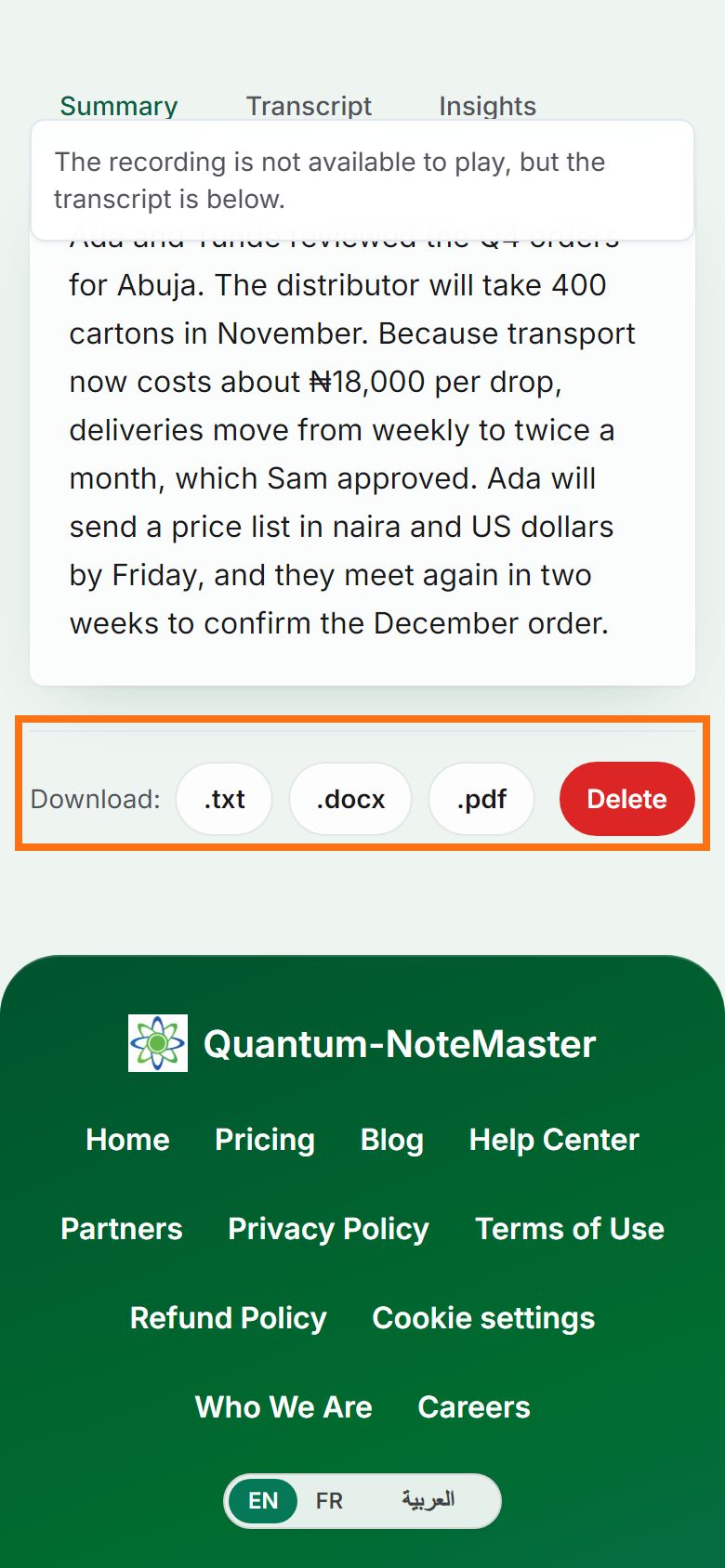
At the bottom, choose .docx (Word) or .pdf for a branded report, or .txt for plain text.
Step 5. Share a link
Press Share, then copy the link or send it on WhatsApp. Anyone with the link can read it without an account (text only, no audio), and you can stop sharing at any time.


Still stuck? Ask the chat at the bottom of the page, or email support@quantum-notemaster.com.
Next guide: Create a Smart Note with tasks and reminders