
Cash withdrawals and the exchange rate
Record ATM cash without counting it twice, and let what your bank charged set the rate for the country.
Pictures come from the sample workspace; the orange frame shows where to look or press.
Step 1. Record the withdrawal
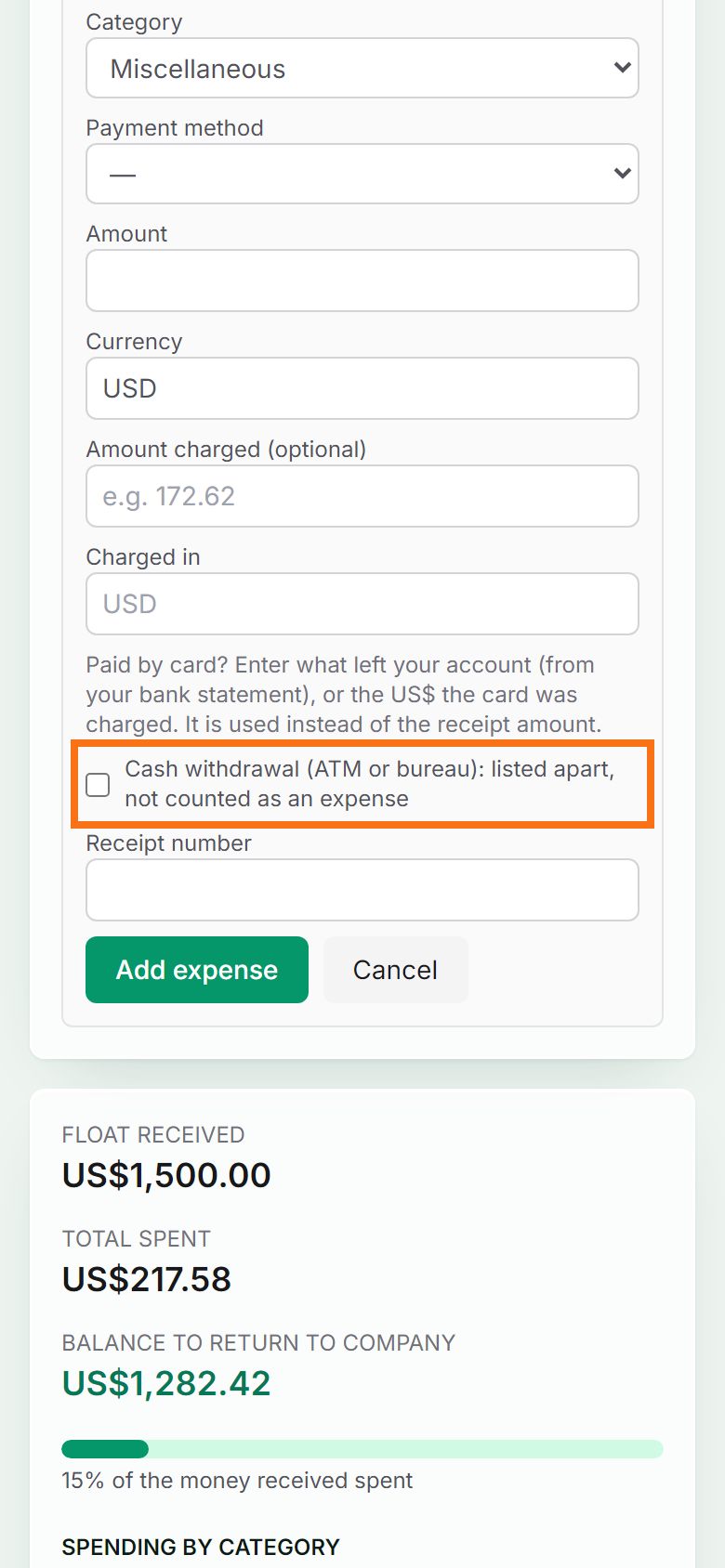
Press + Add expense by hand, enter the cash you received and its currency, enter what your bank charged under Amount charged, tick Cash withdrawal, and press Add expense. Pasting the bank’s ATM alert does this for you.
Step 2. Withdrawals are listed apart
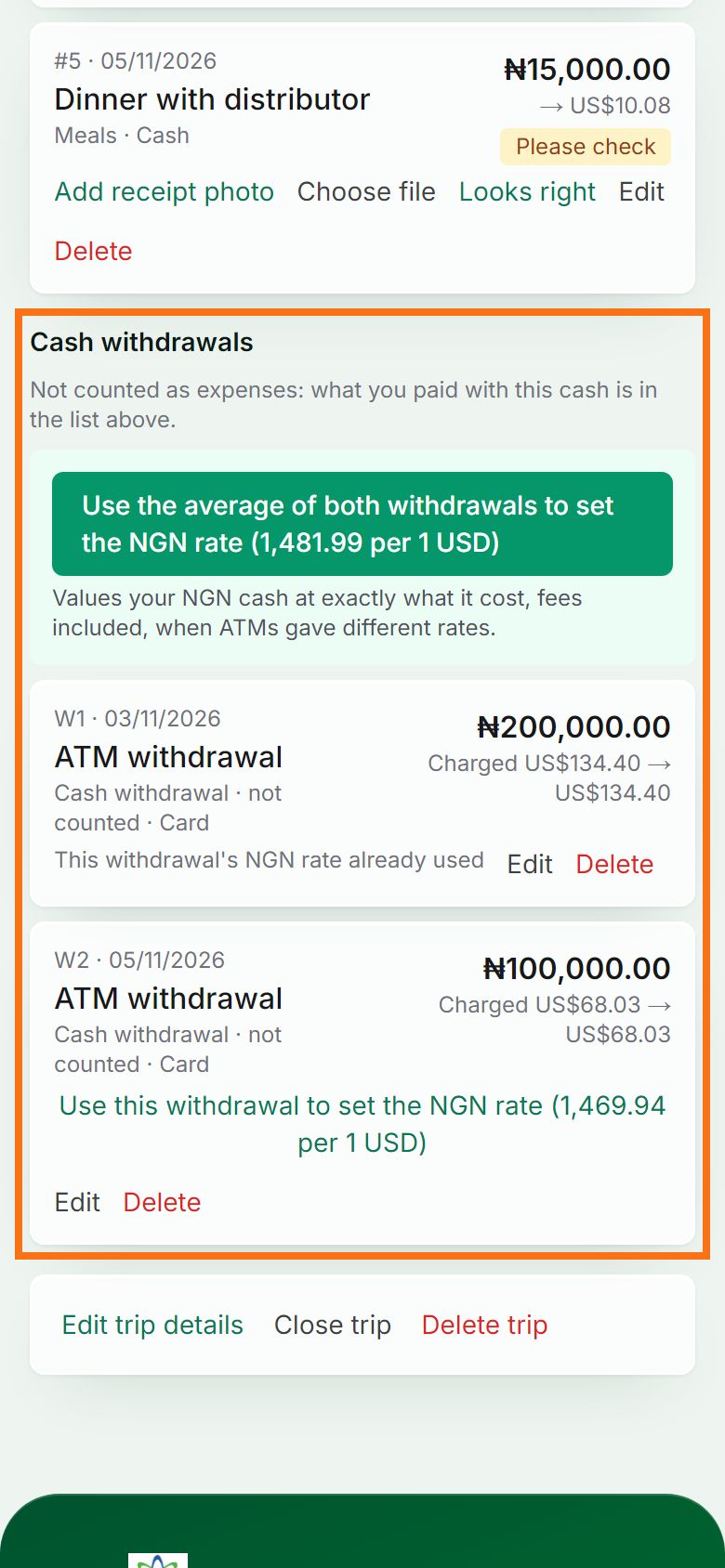
Withdrawals appear under Cash withdrawals and are not counted as spending: what you buy with the cash is. That way nothing is counted twice.
Step 3. Set the country’s rate from them
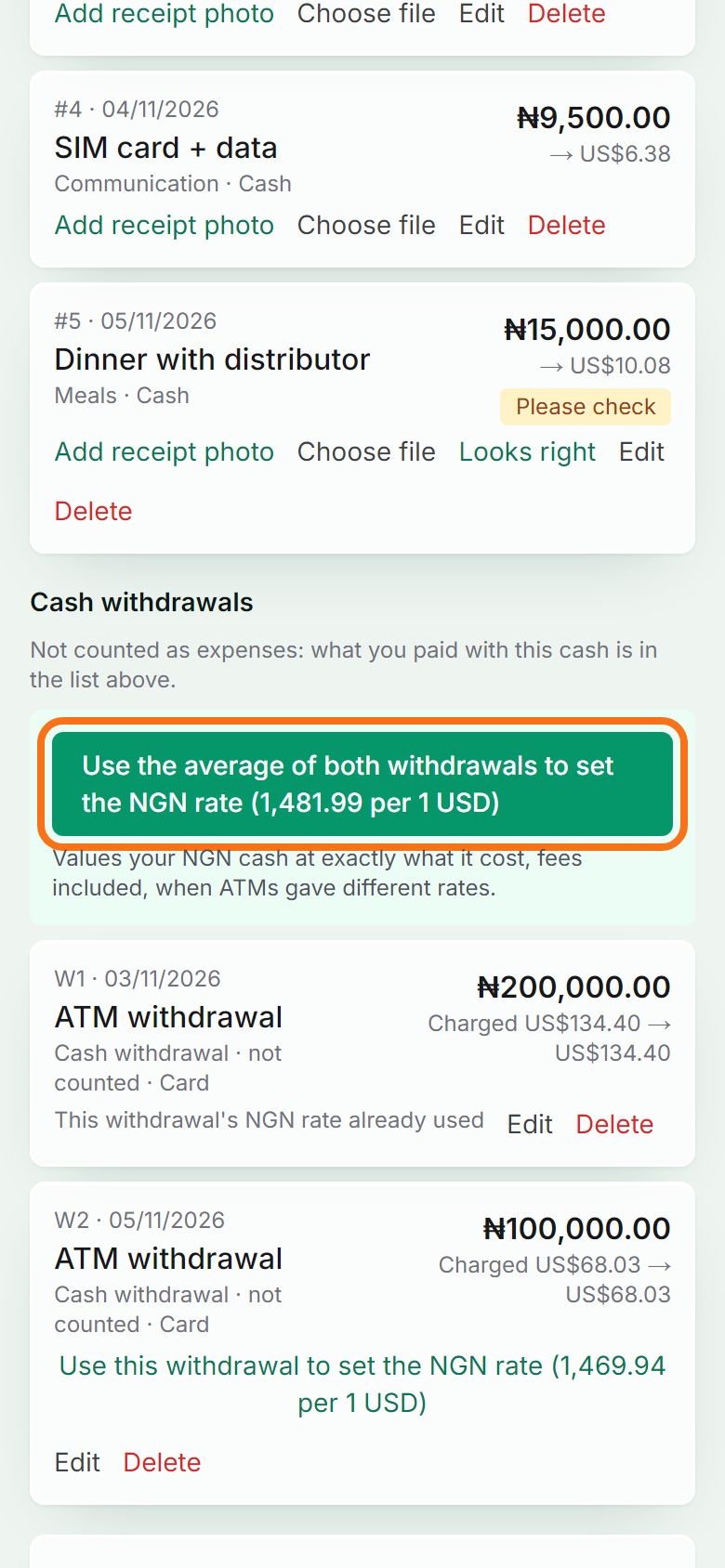
Press “Use this withdrawal to set the … rate” to use what the cash really cost. Took cash from several ATMs at different rates? Press “Use the average of … withdrawals” so all the cash is valued at exactly what it cost, fees included.


Still stuck? Ask the chat at the bottom of the page, or email support@quantum-notemaster.com.
Next guide: Send the trip report to finance